How to make a booking on CannaTelehealth.
Welcome to CannaTelehealth's new booking platform - OnePhenix. This guide helps existing patients to login to their account and make a new booking.
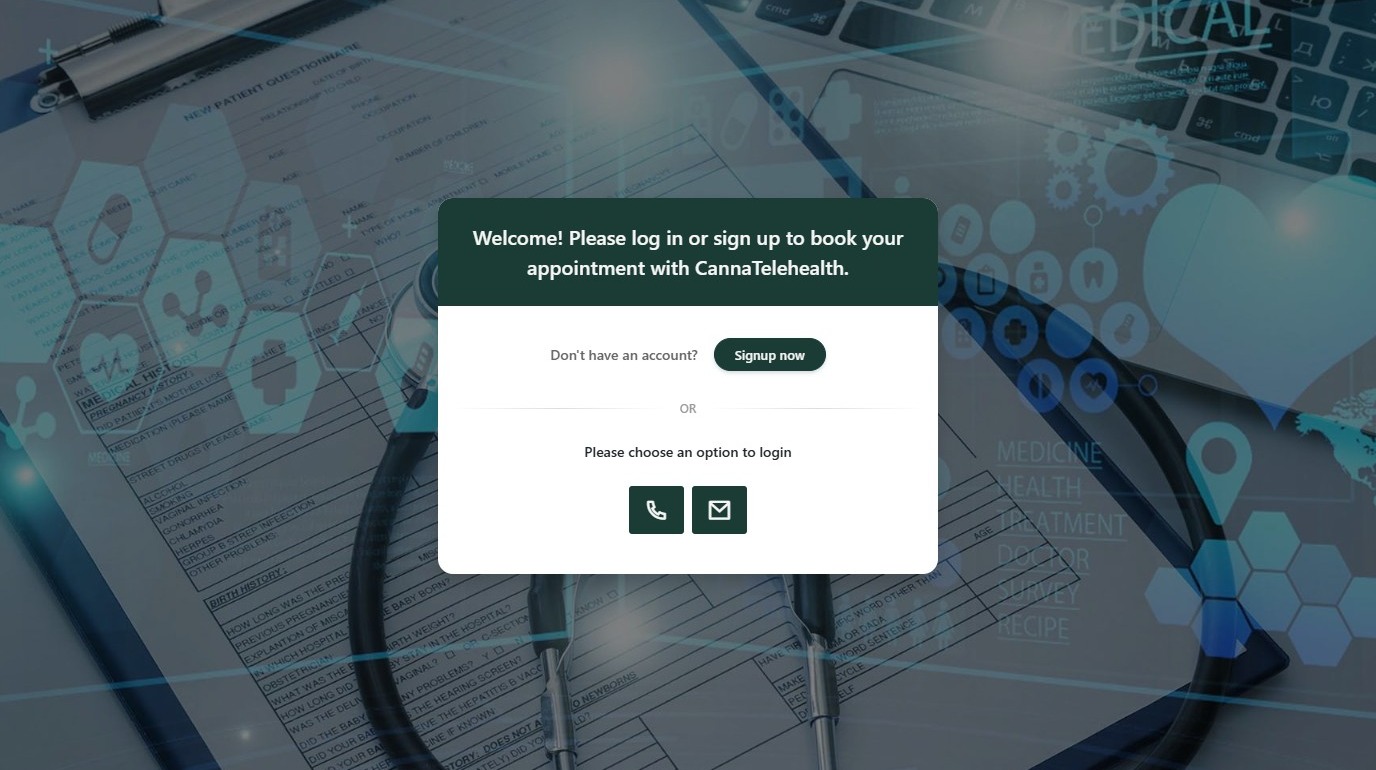
Email Login
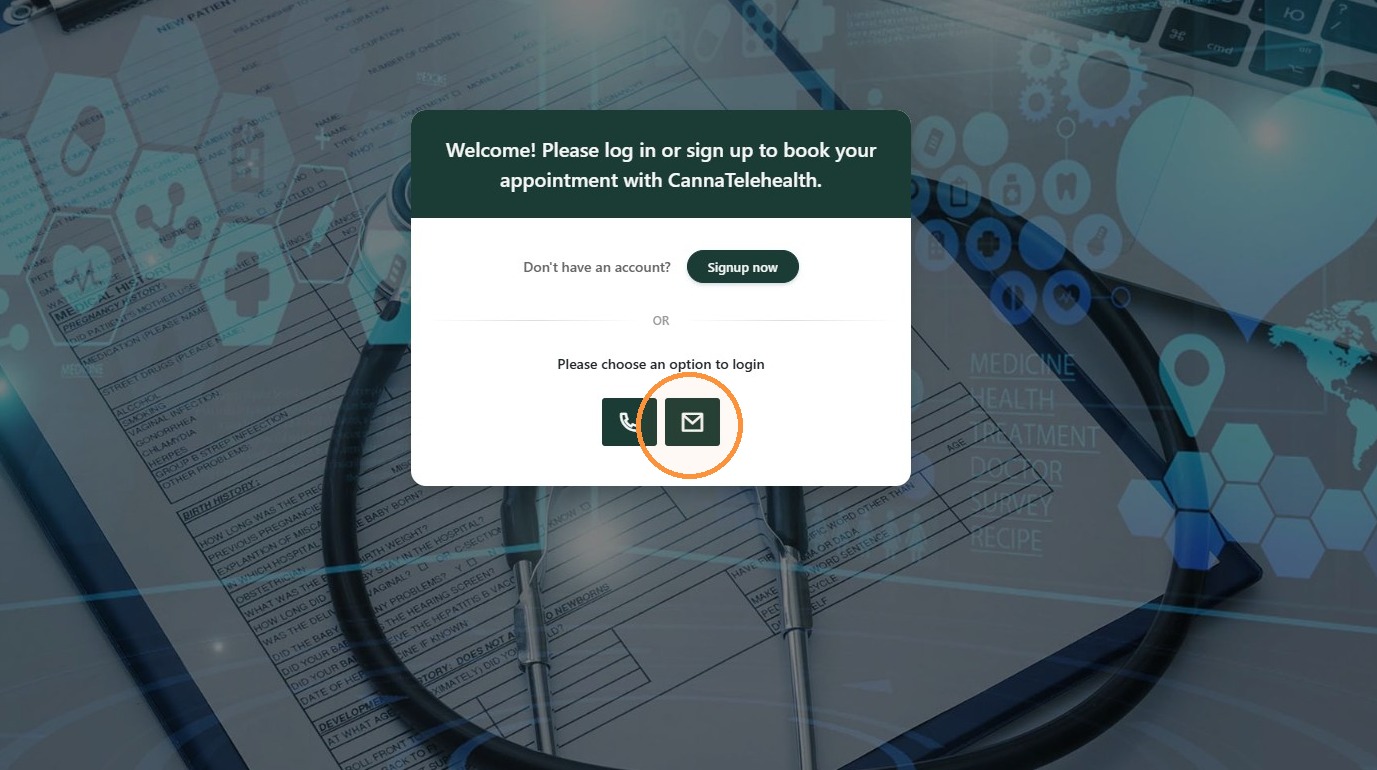
2. Click the email login icon.
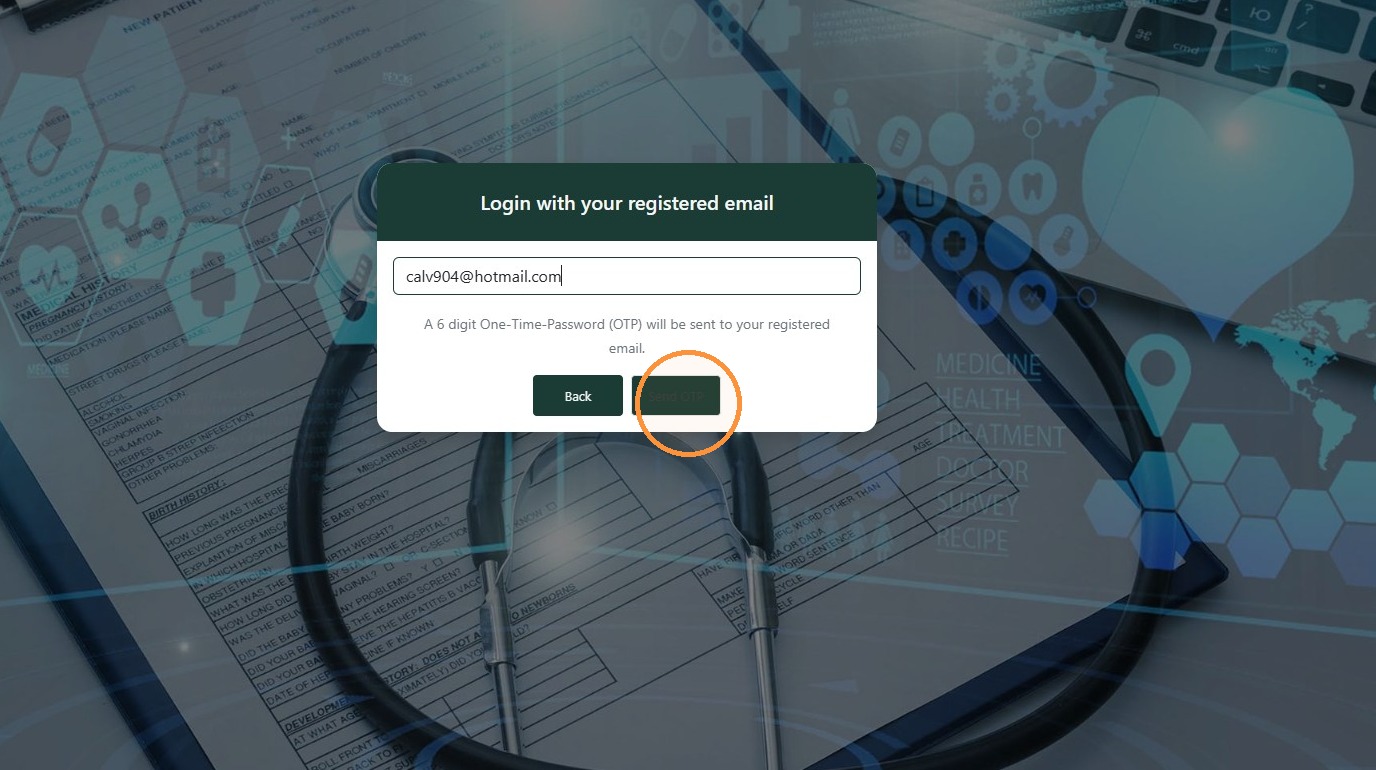
3. Enter your email address in the email field.
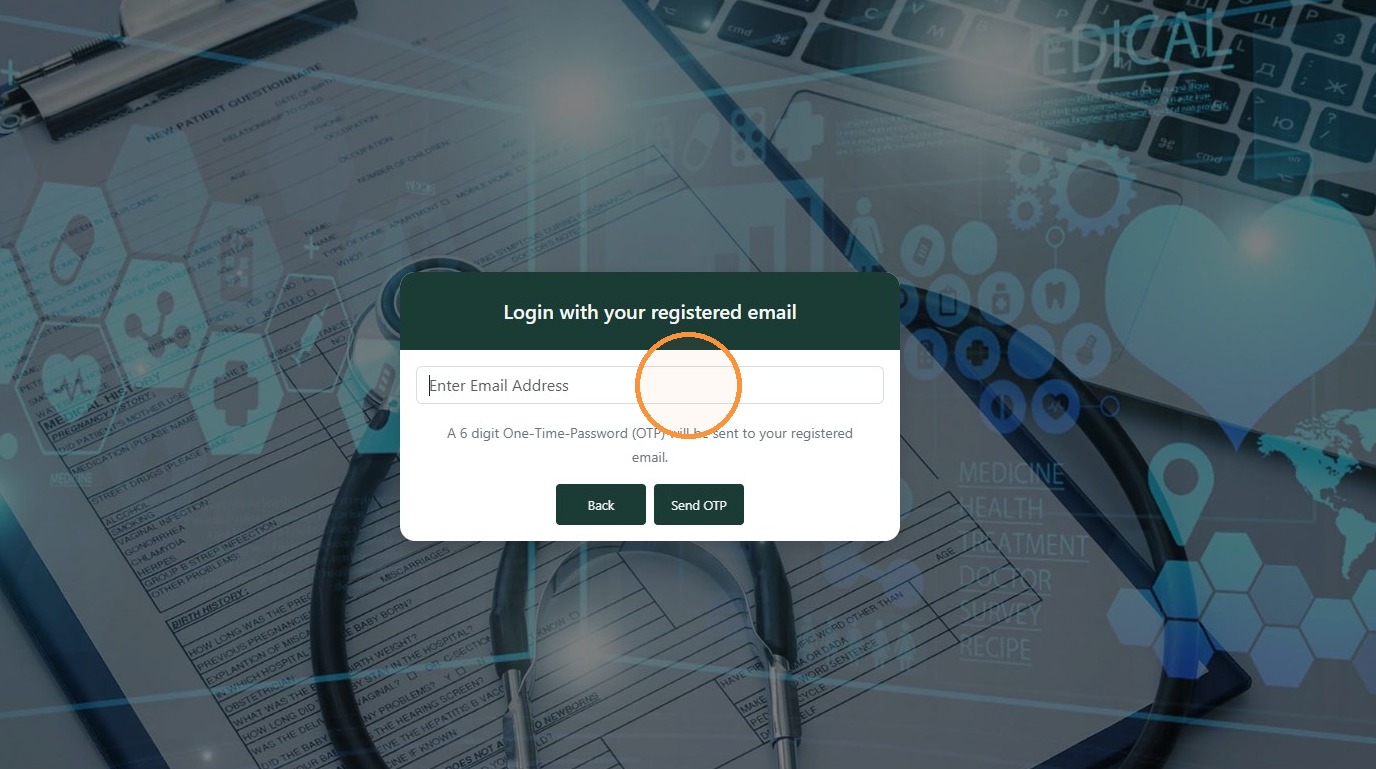
4. Click "Send OTP"
Retrieve OTP
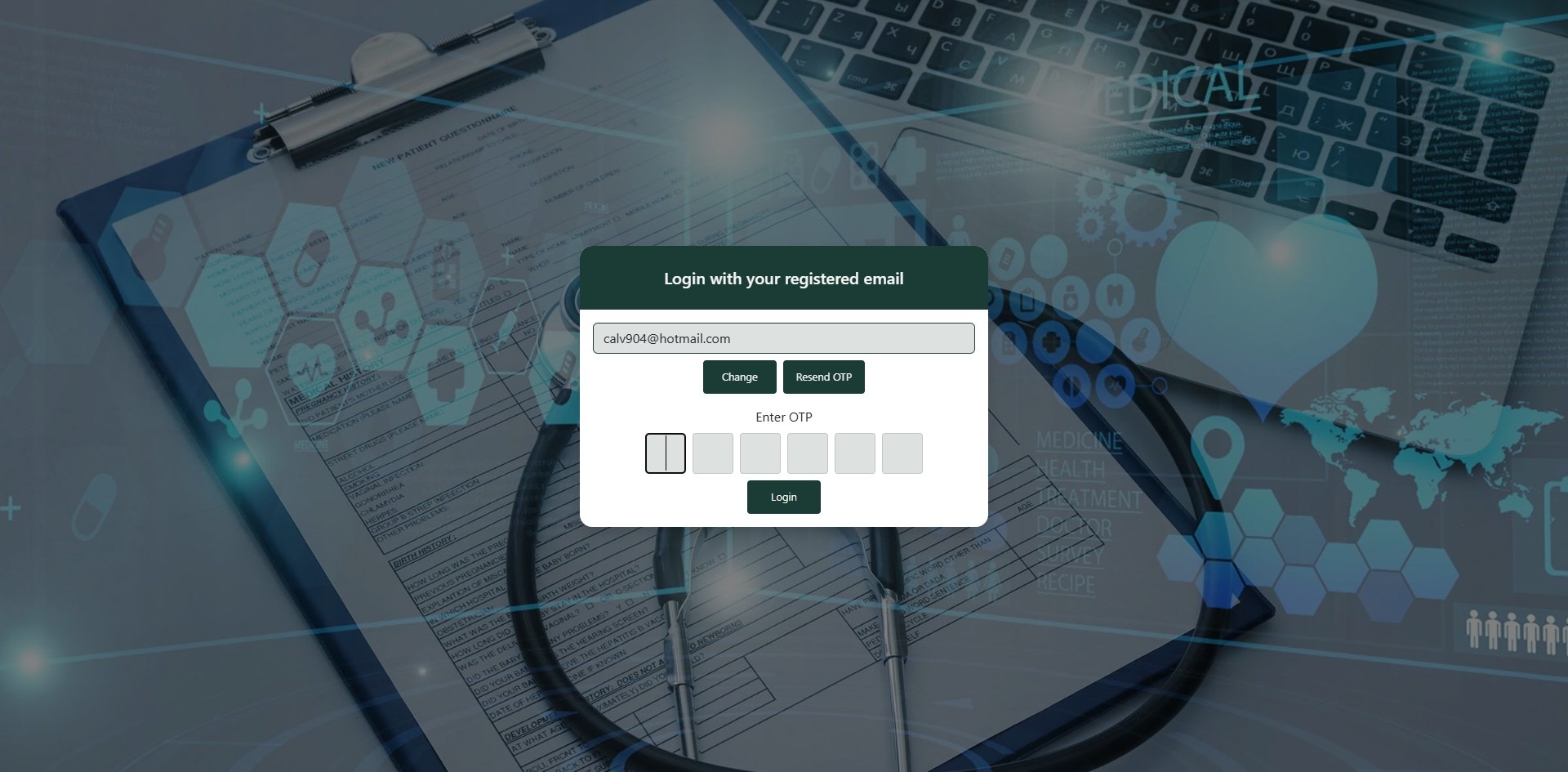
5. Check your email for your OTP.
6. Return to OnePhenix and enter in your OTP.
Create Booking
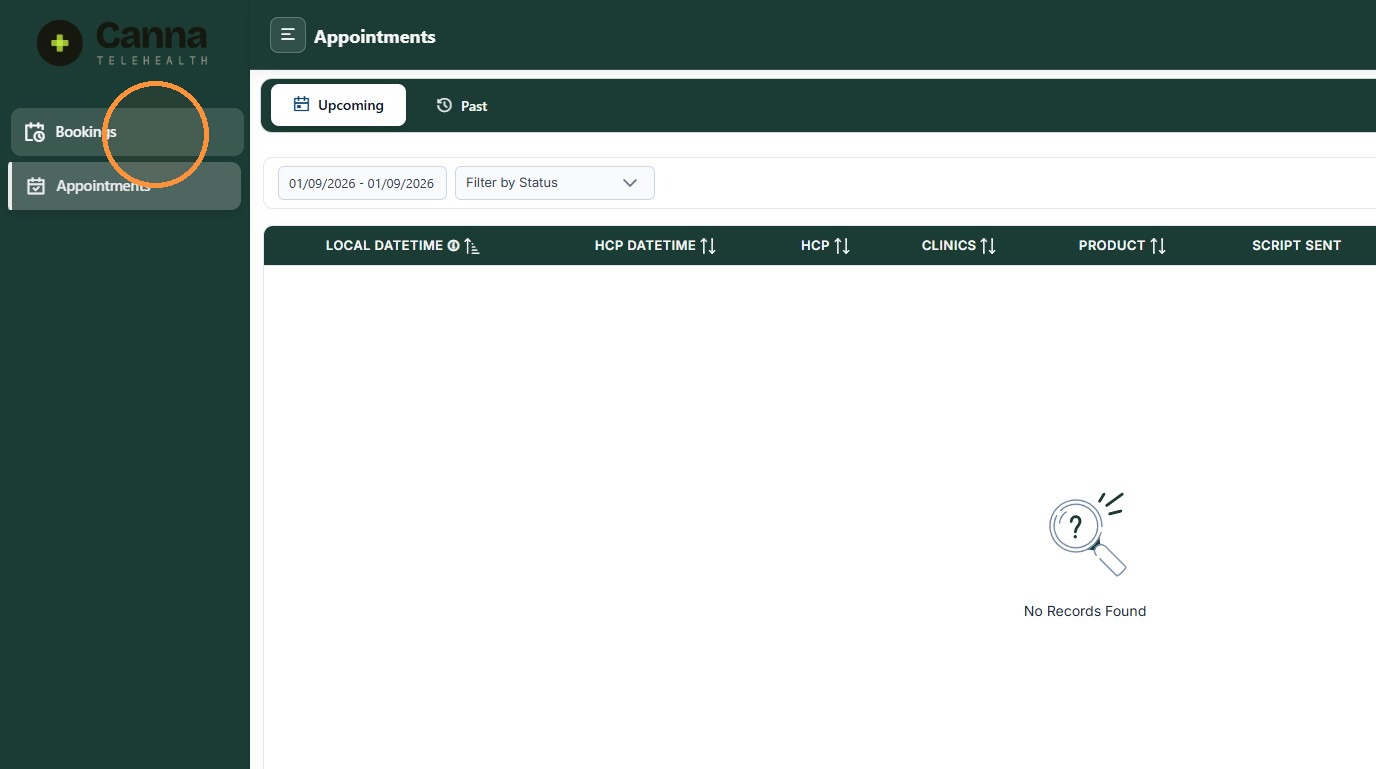
7. Once logged in. Click "Bookings"
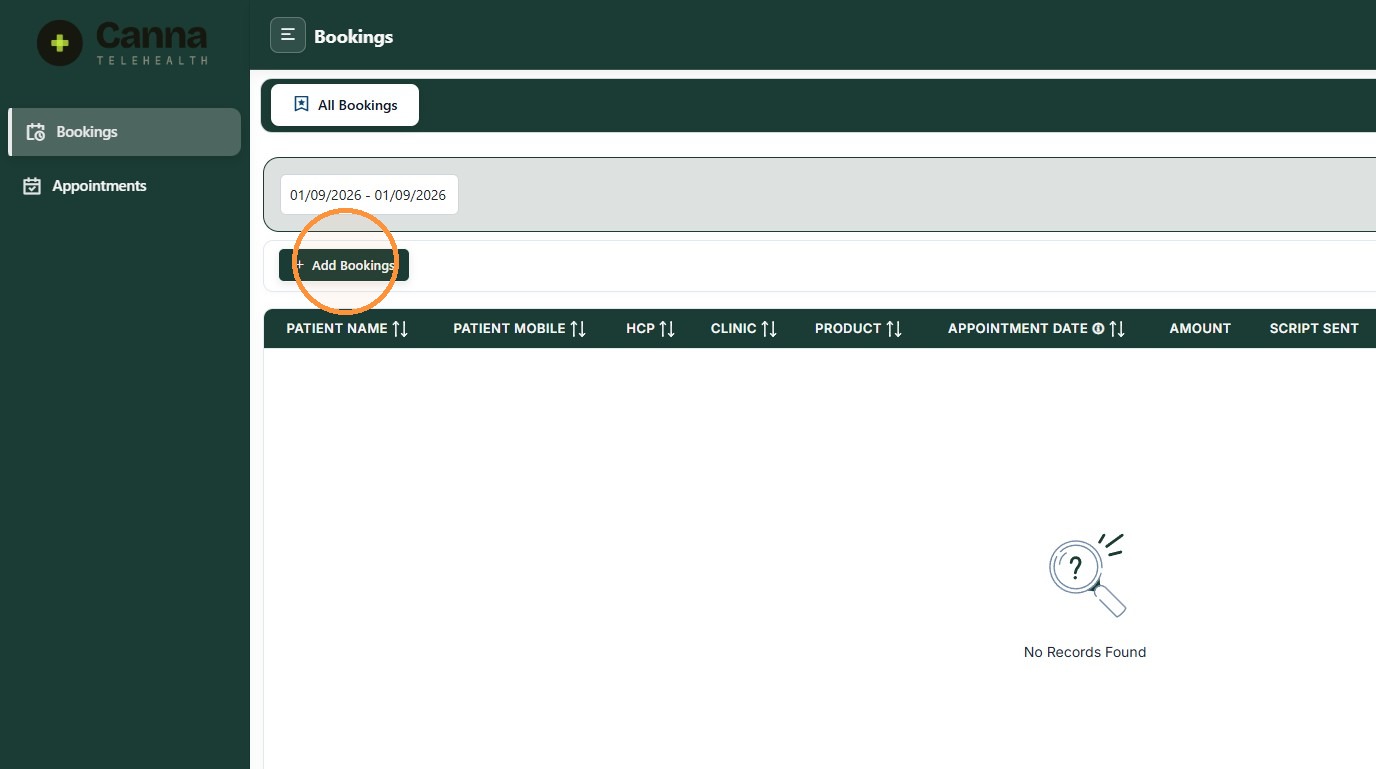
8. Click "Add Bookings"
9. You can book Now or ASAP or you can "SCHEDULE" an appointment at a preferred date or time.
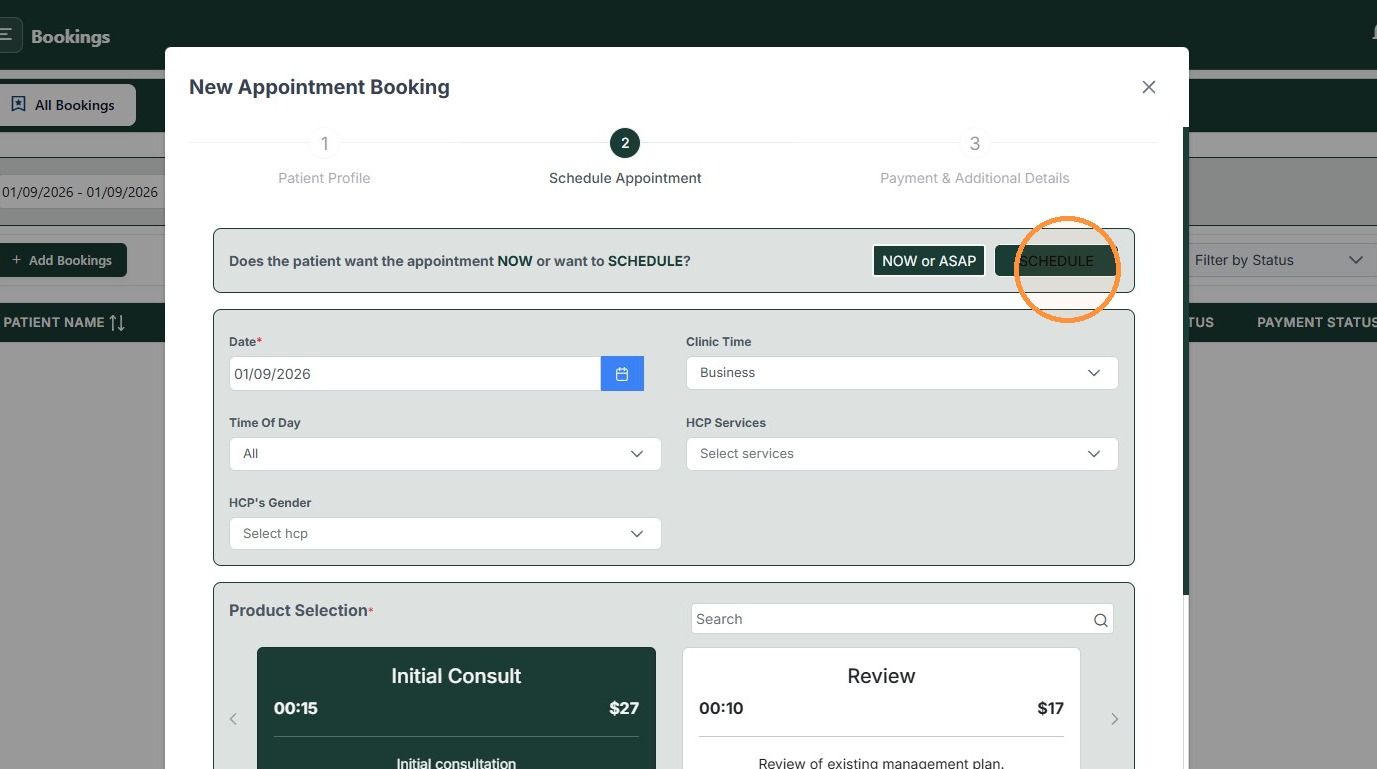
10. To schedule an appointment, first select your preferred "Date"
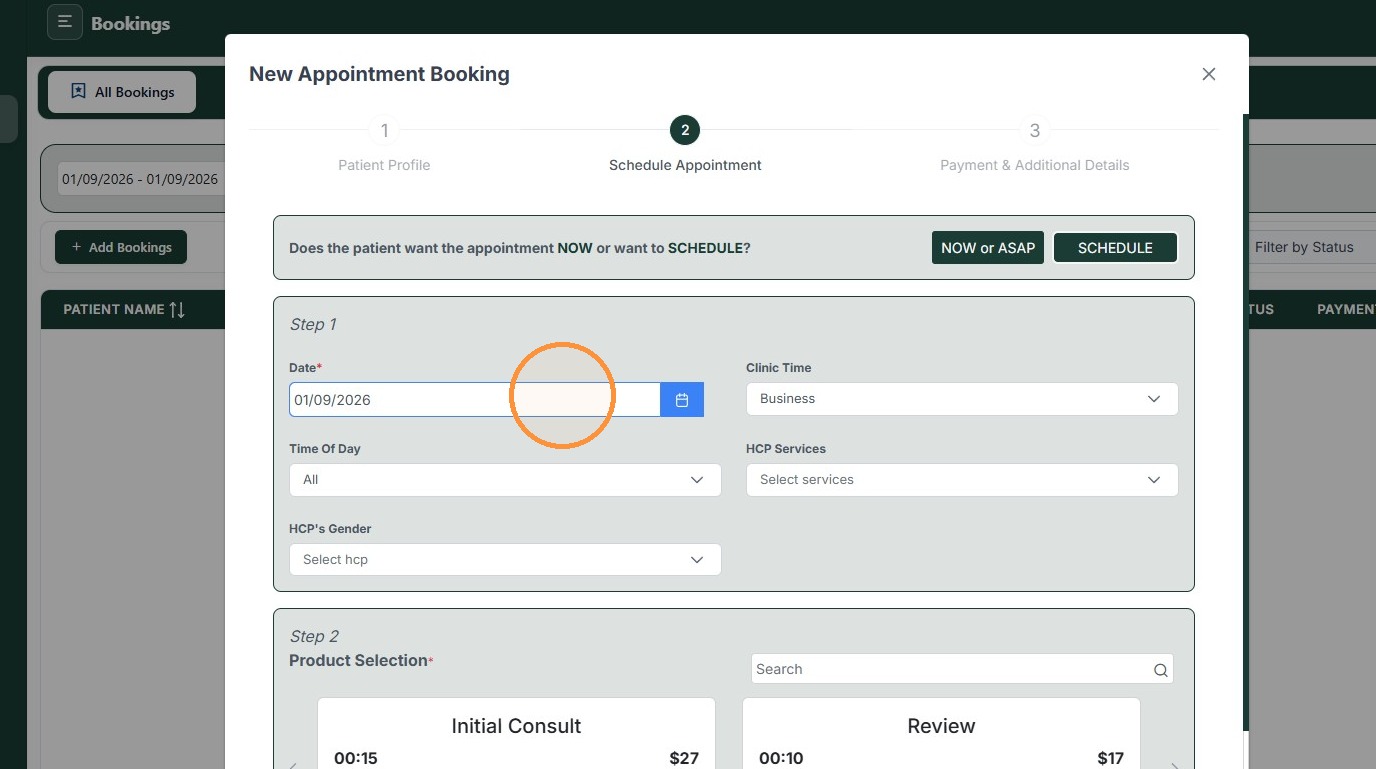
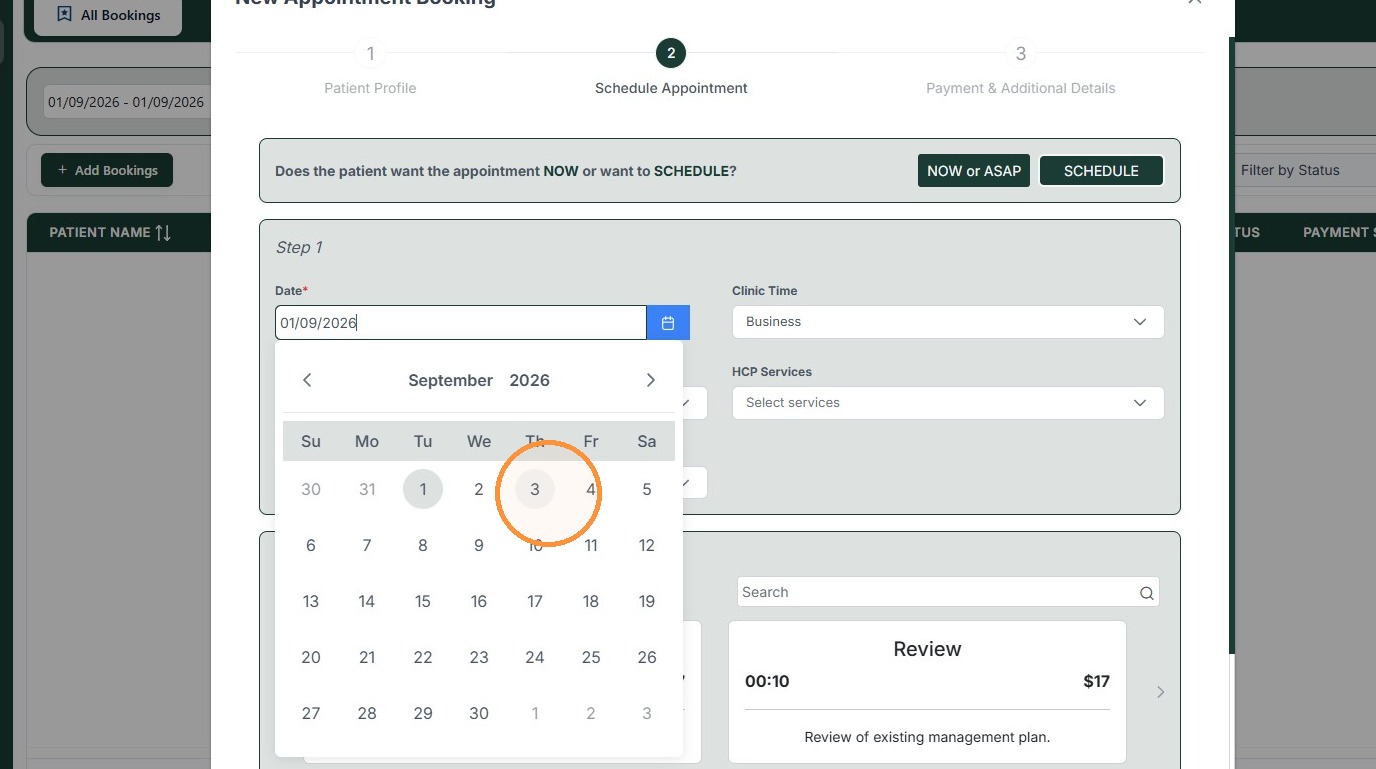
11. To schedule an appointment, first select your preferred "Date"
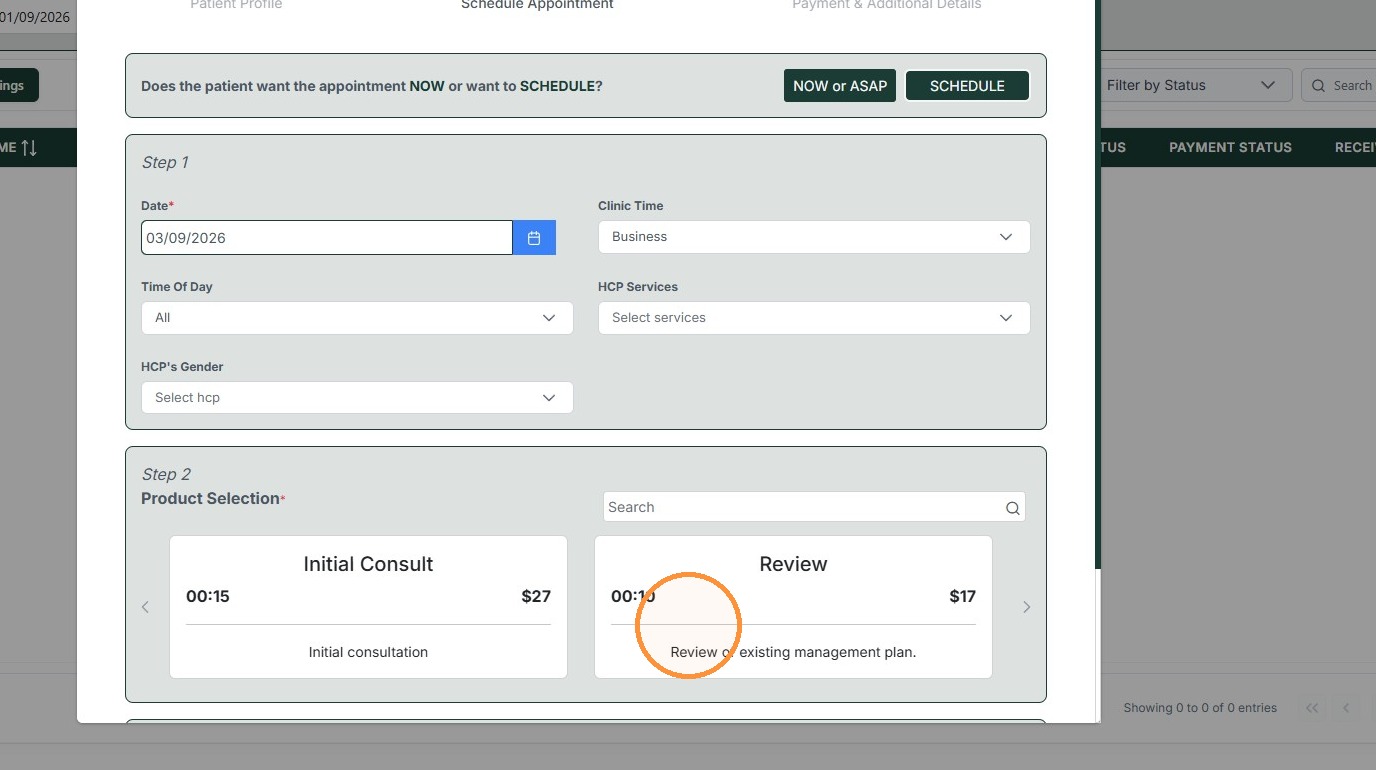
12. Select the Review product.
13. You can navigate at the bottom to browse Healthcare Professionals.
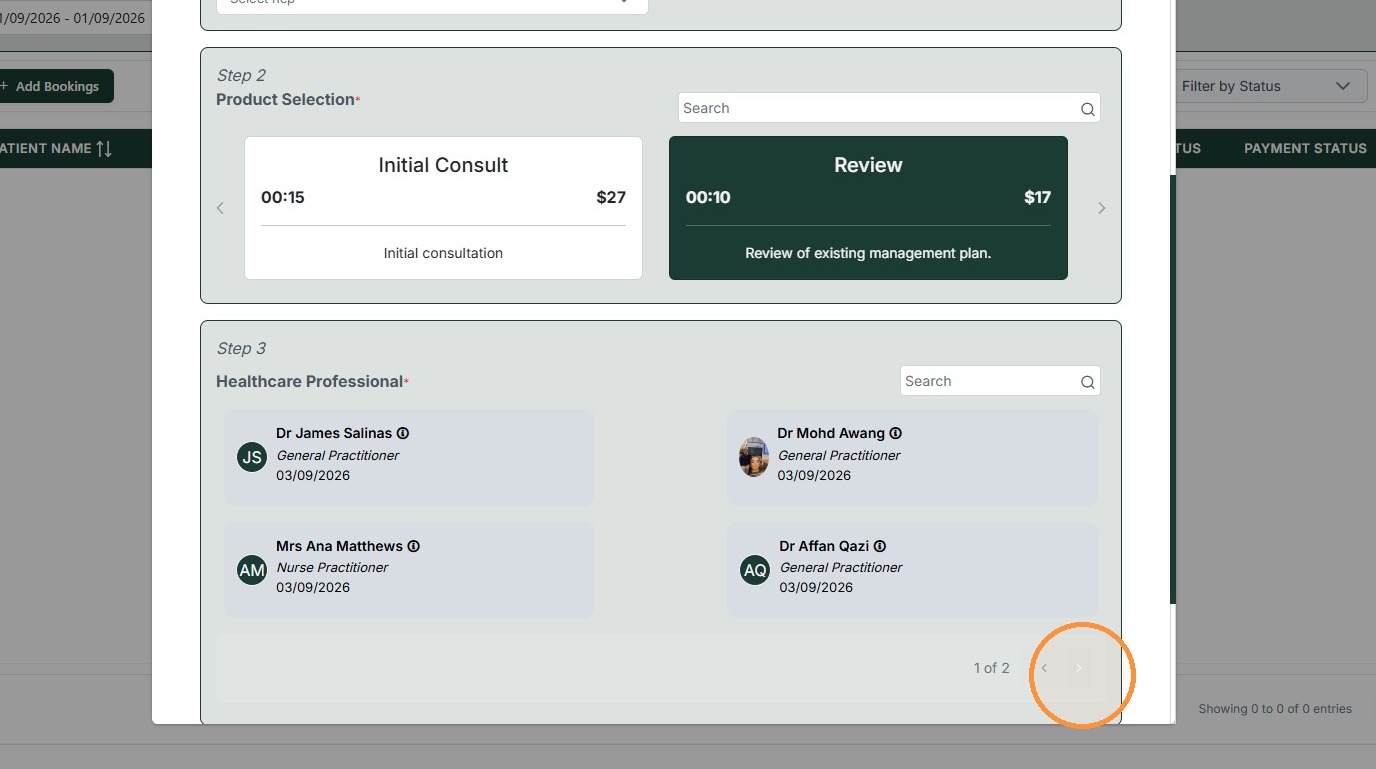
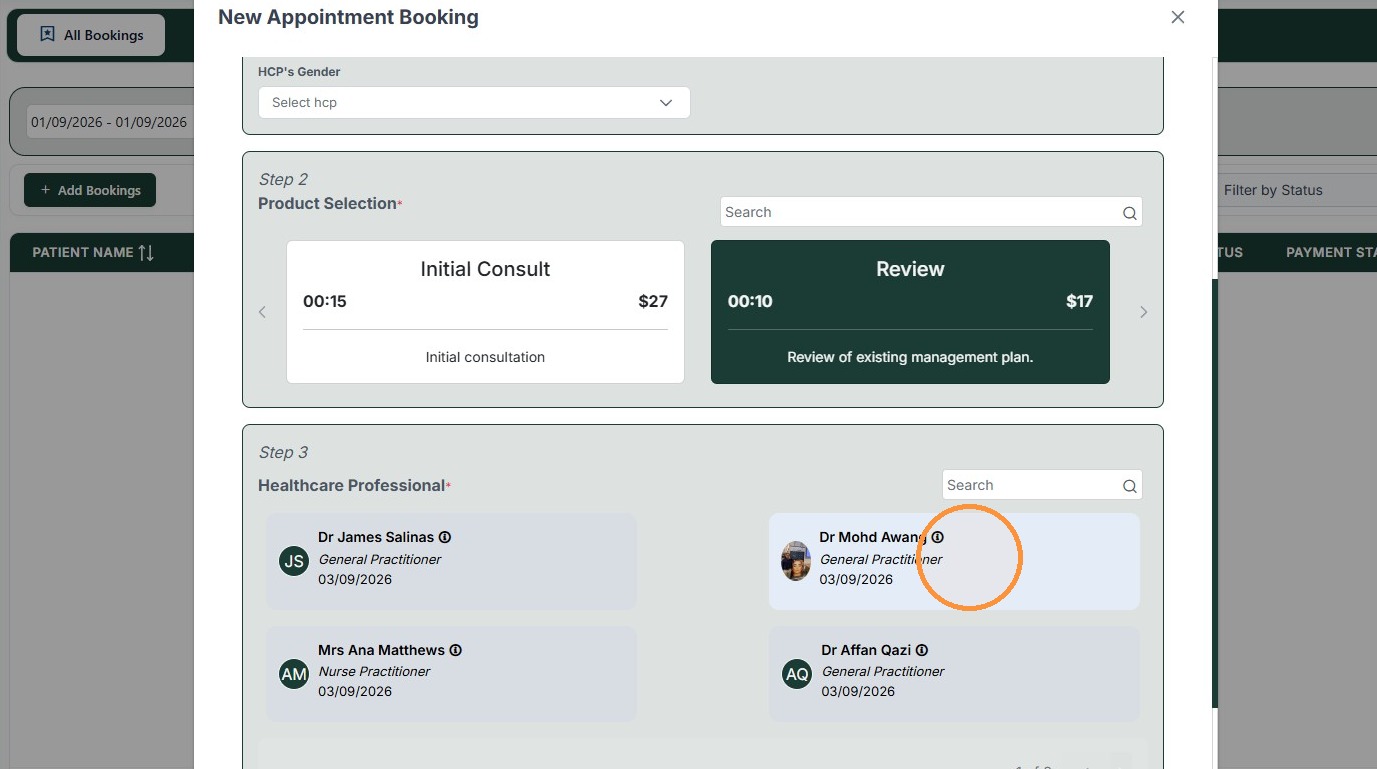
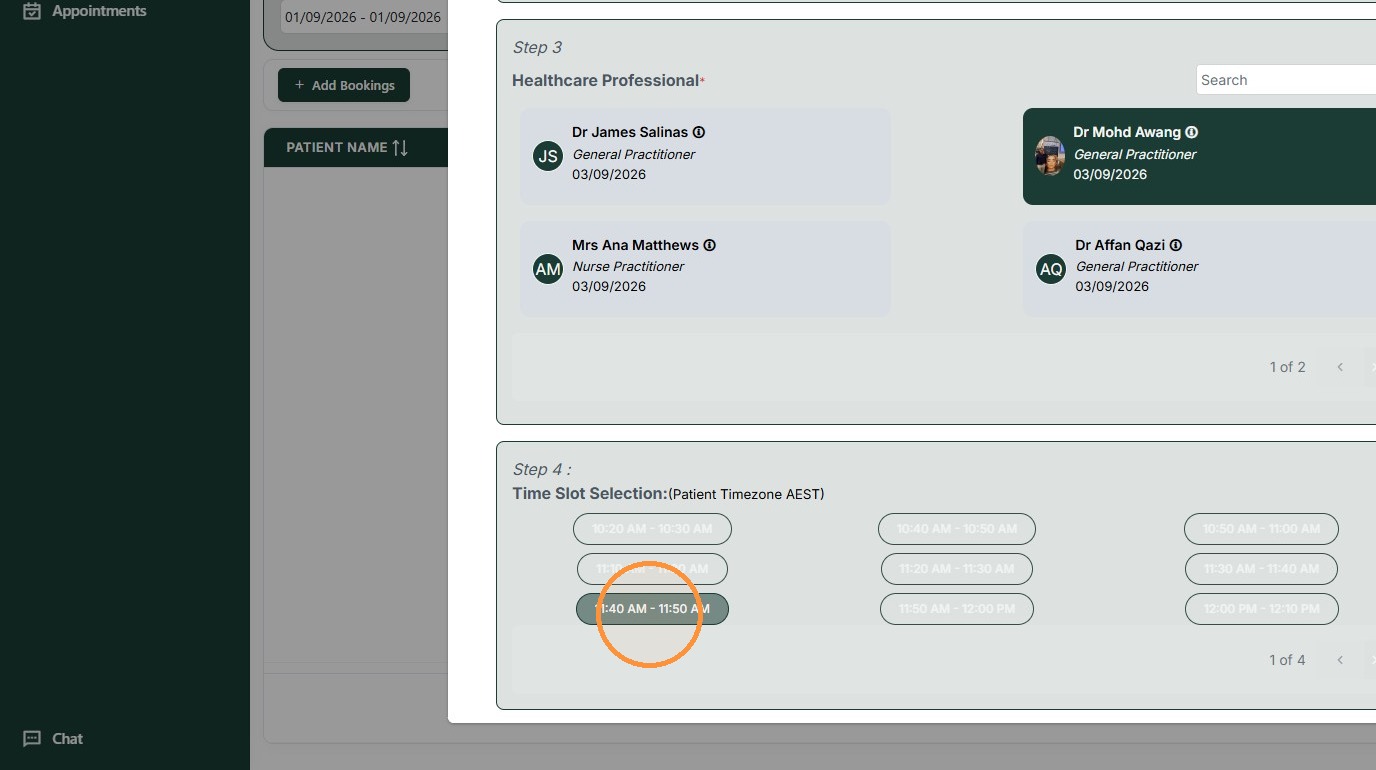
14. Click on a Healthcare Professional to view available their available time slots.
15. Select your preferred appointment time.
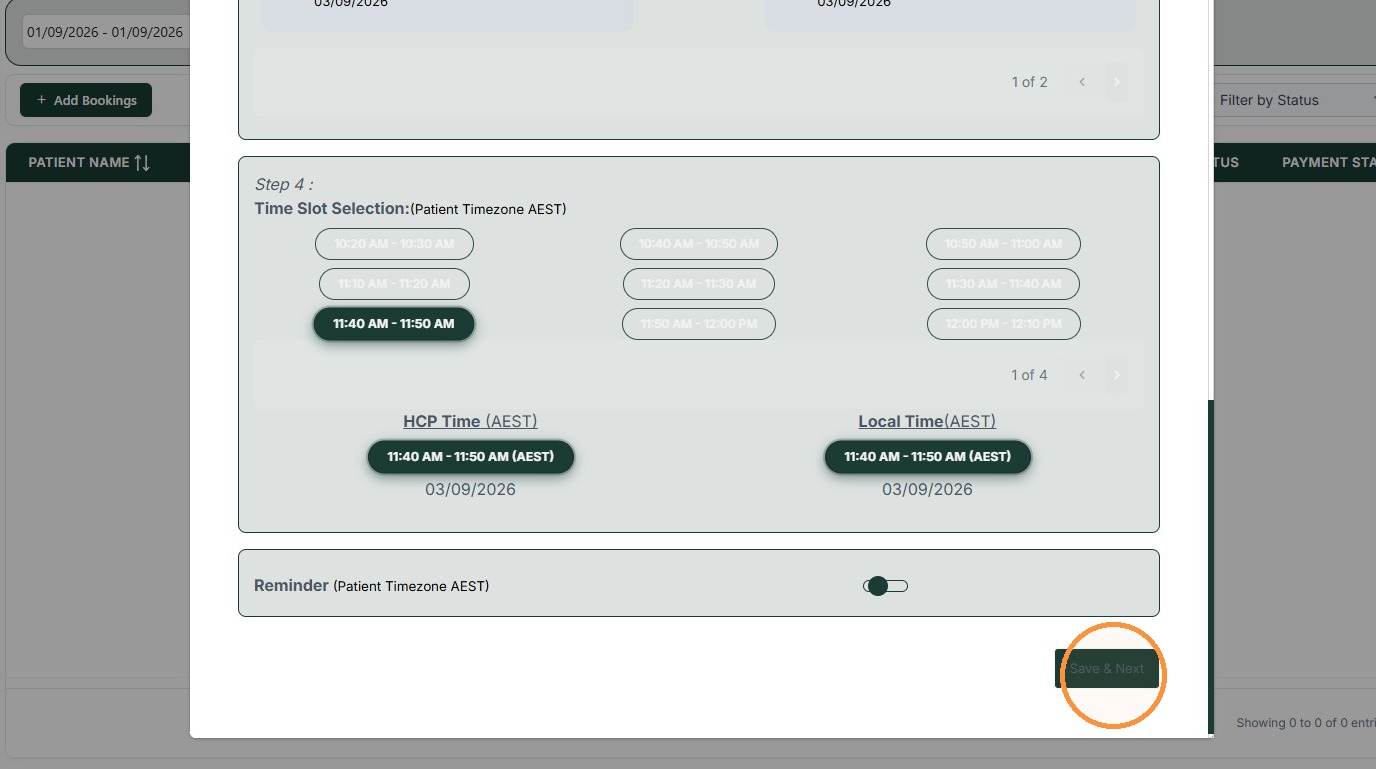
16. Click "Save & Next"
Payment
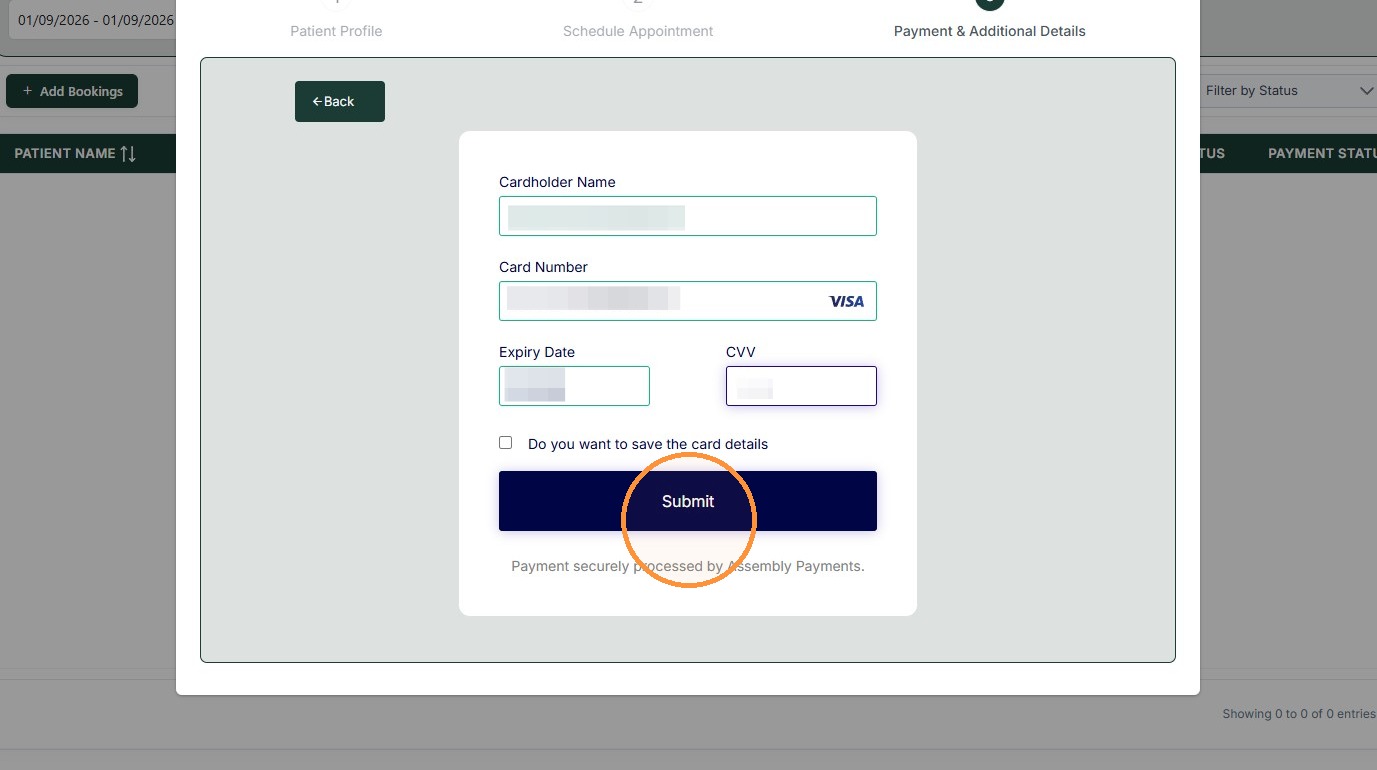
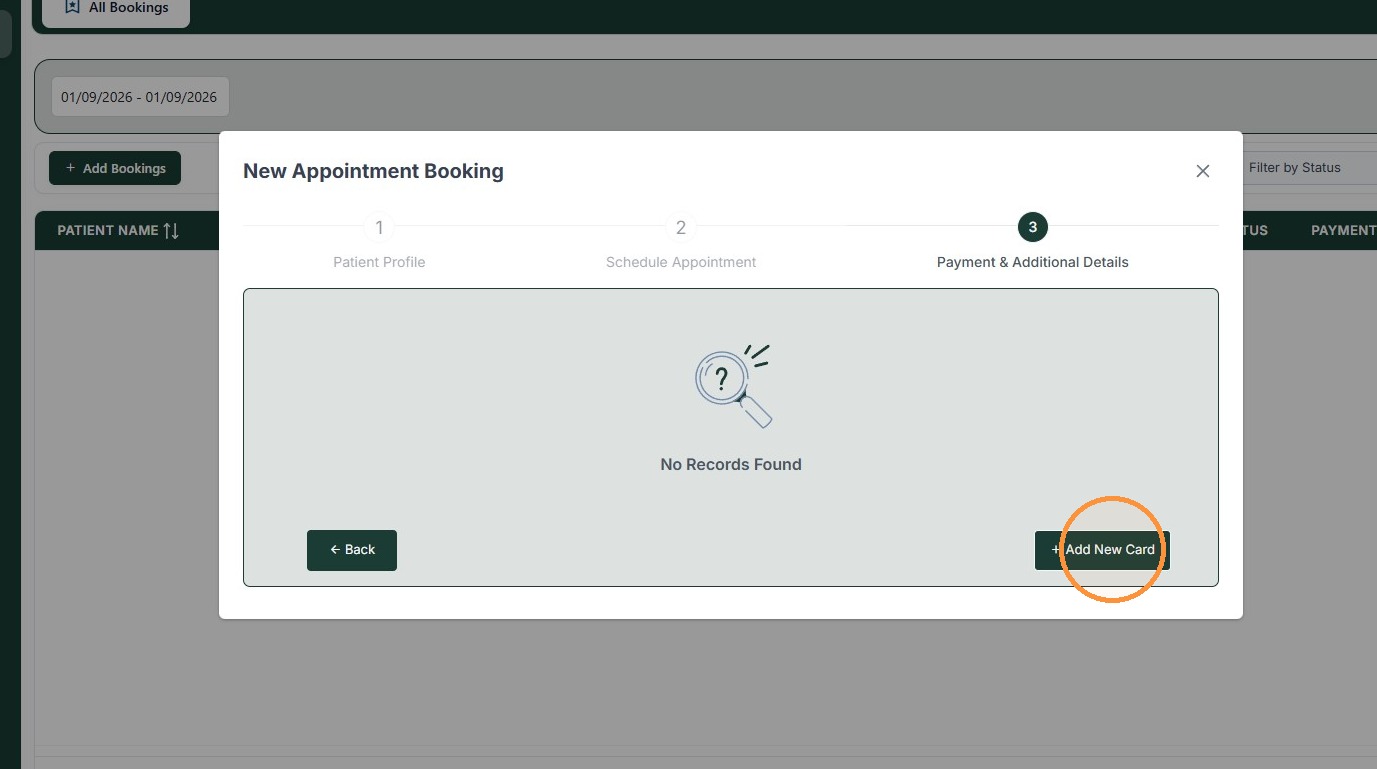
17. To complete your booking, you will be required to pay. Click Add New Card.
18. Enter in your card details
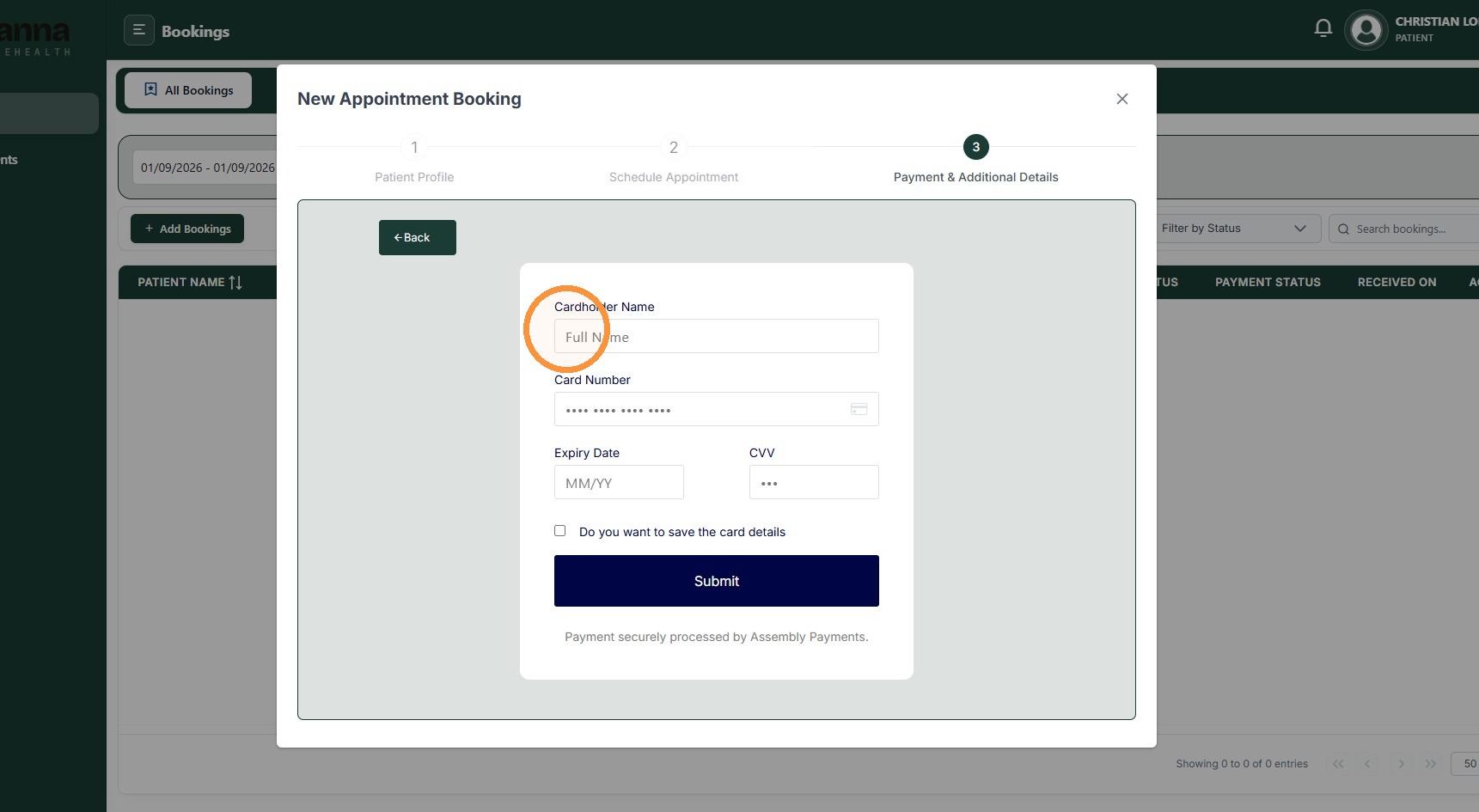
19. Click "Submit"